🎯 Introduction
Most beginners think the prompt is everything in AI image generation.
But here’s something surprising:
The aspect ratio you choose can completely change your final image – even when the prompt stays the same.
In this post, we’ll use a single prompt and generate multiple images using different aspect ratios in Fooocus to see what really changes.
🧠 The Prompt We Used
To keep things consistent, we used the exact same prompt for every image:
A magical fantasy castle floating in the sky, glowing lights, clouds, epic atmosphere, ultra detailed, cinematic lighting
No changes. No tweaks. Just different dimensions.
🖼️ Example Output
📐 Aspect Ratios Tested in Fooocus
Fooocus provides optimized resolution presets instead of simple ratios. Here are a few we tested:
📱 Vertical (Portrait)
- 768×1344 (4:7)
- 832×1216 (13:19)
👉 Result:
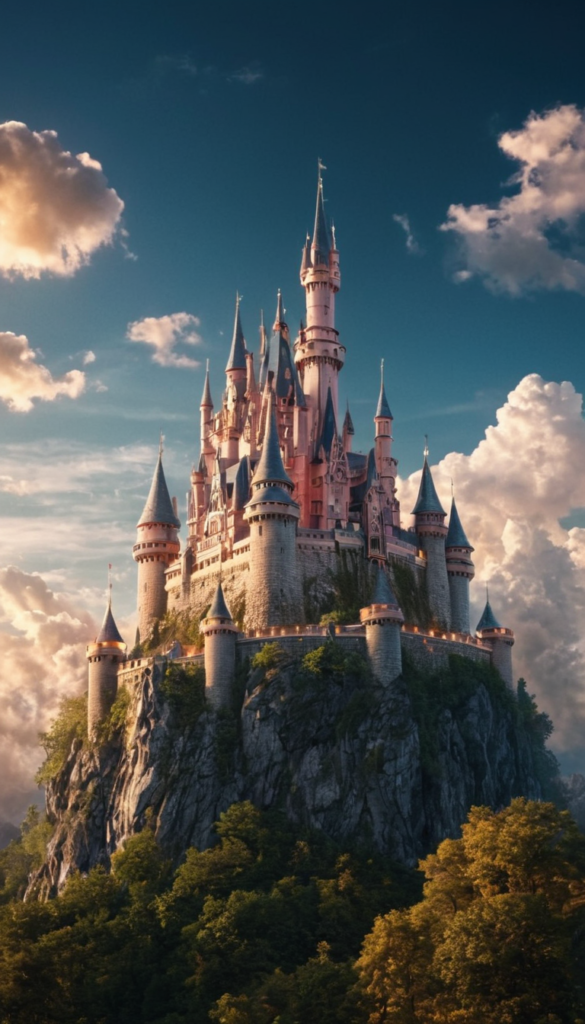
768×1344 (4:7)
832×1216 (13:19)
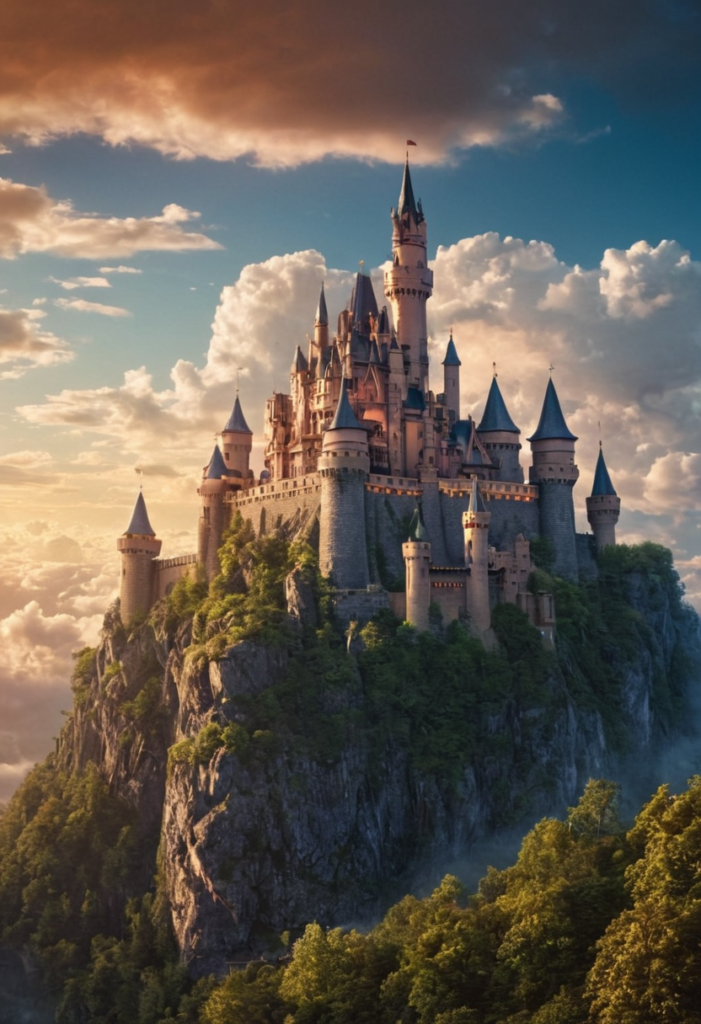
- Taller composition
- More focus on height (great for characters or towers)
🟦 Square
- 1024×1024 (1:1)
👉 Result:
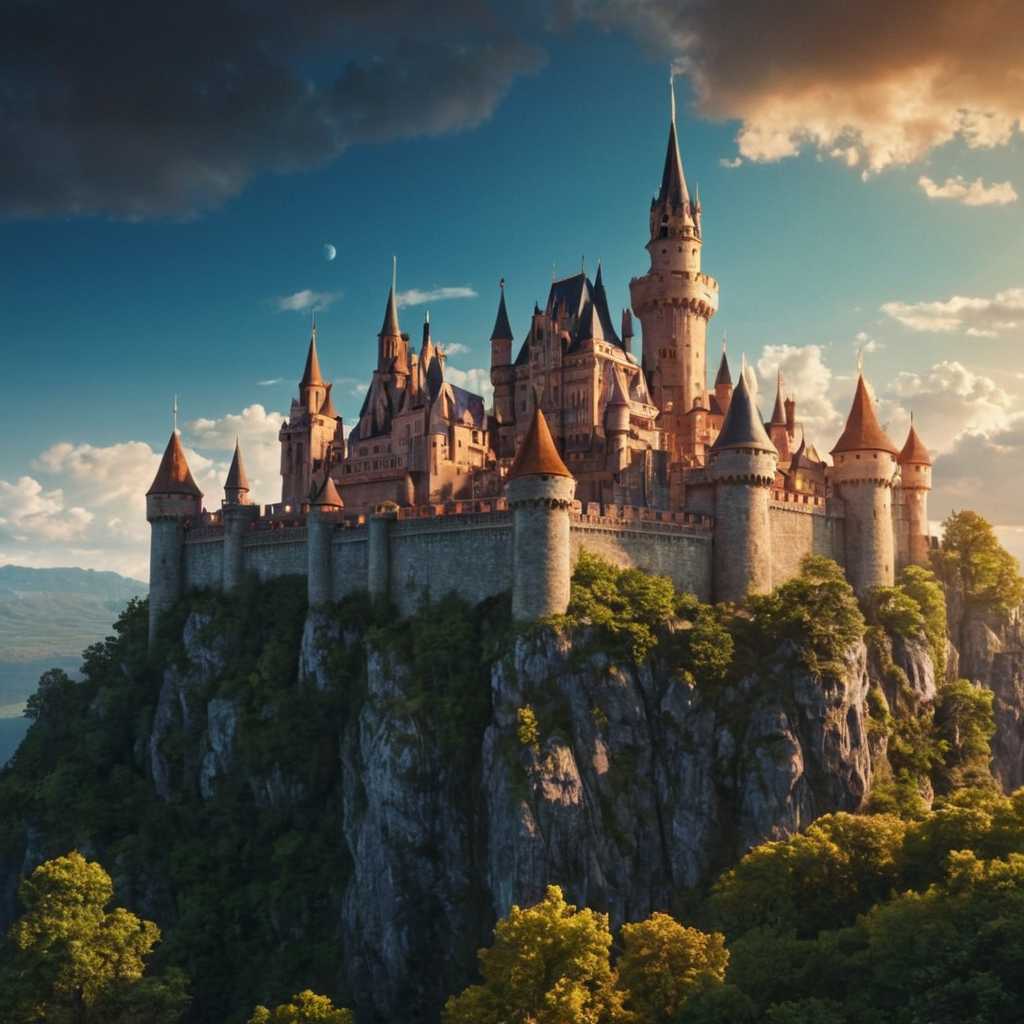
- Balanced framing
- Subject stays centered
- Best for general use
🖥️ Horizontal (Landscape)
- 1344×768 (7:4)
- 1408×704 (2:1)
👉 Result:
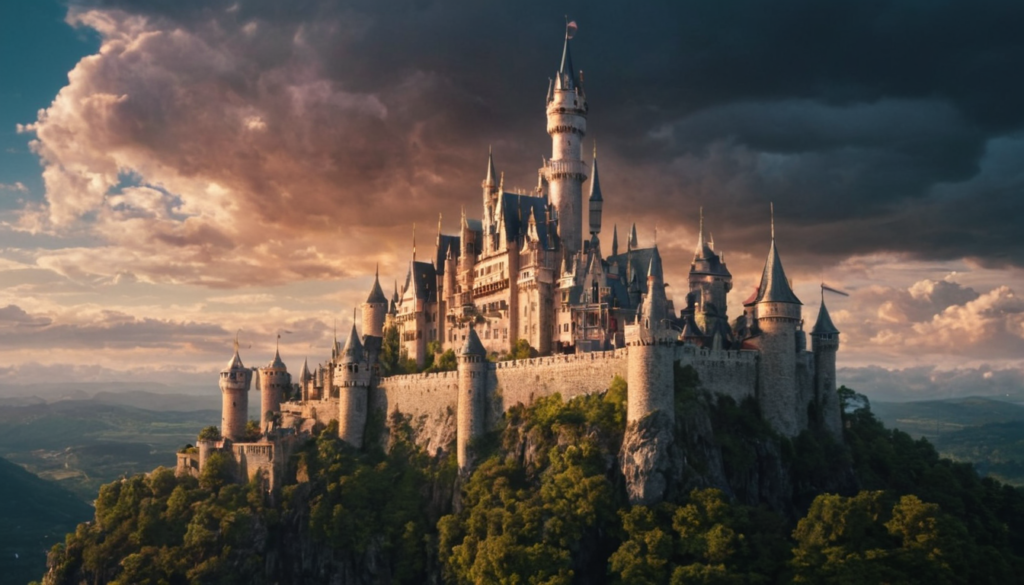
1344×768 (7:4)
1408×704 (2:1)
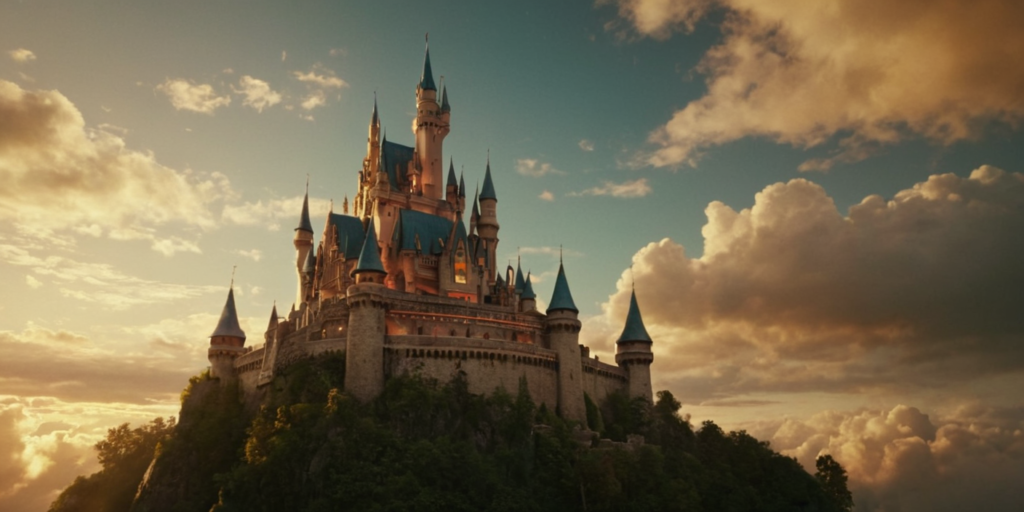
- Wider scene
- More environment and storytelling
- Cinematic feel
🔍 What Actually Changes?
Even though the prompt stays the same, here’s what shifts:
1. Composition
- Vertical → stretches subject upward
- Horizontal → expands environment
2. Focus
- Square → centered subject
- Wide → more background details
3. Mood
- Wide → cinematic and epic
- Tall → dramatic and intense
💡 Why This Matters (For Everyone)
No matter what field you’re in, this matters:
- Content creators → choose the right ratio for Instagram or YouTube
- Designers → control composition and layout
- Marketers → optimize visuals for engagement
- Beginners → instantly improve image quality
🧪 Quick Recommendations
- 📱 Social media (Reels/Shorts) → Use vertical (768×1344)
- 🖼️ General use → Use square (1024×1024)
- 🎬 Cinematic visuals → Use wide (1344×768)
🔥 Key Takeaway
In Fooocus, your prompt defines what you create —
but the aspect ratio defines how it looks.