Are you searching for an easy way to start your online service or make your existing service visible online?
One of the simplest ways is to create your own website using reliable hosting and a content management system like WordPress.
With the right hosting and a few basic steps, anyone can launch a website and start promoting their services online.
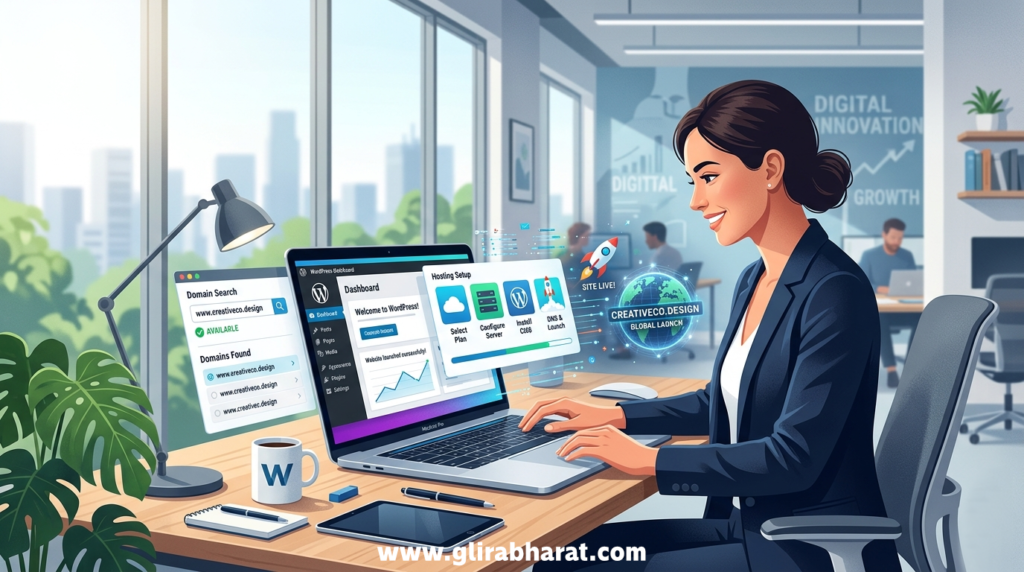
Step 1 – Get Reliable Web Hosting
The first step to launching your website is choosing a hosting provider. A good option for beginners and businesses is Hostinger because it offers affordable plans and an easy setup process.
You can start here:
Use the code: AT5BALASAGZPMany hosting plans include:
- Free domain for the first year
- Business email accounts
- Website builder tools
- WordPress installation
- Automatic backups
After the free domain period, you can continue the domain and hosting by renewing the subscription.
Step 2 – Plan Your Domain Name
Before registering your domain name, take a few minutes to plan it properly.
Your domain name should:
- Represent your brand or service
- Be short and easy to remember
- Match your business name if possible
It is also a good idea to check the same name on social media platforms like:
- YouTube
This helps ensure your brand name is consistent across all platforms and not already widely used.
Step 3 – Start the Basic Website Setup
Once your hosting and domain are ready, you can begin the setup.
Most hosting platforms like Hostinger guide you through the process automatically.
Basic setup usually includes:
- Installing WordPress
- Creating your admin account
- Connecting your domain
After installation, it is important to apply a few basic security measures.
Step 4 – Apply Basic Security Settings
To protect your website, follow these simple steps.
- Change the default wp-admin login URL
- Enable Two-Factor Authentication (2FA)
- Use strong passwords
- Install a basic security plugin
- Keep WordPress themes and plugins updated
These steps help keep your website secure from common threats.
Step 5 – Enable Search Visibility
To make your website visible online, you should connect it with important tools such as:
- Google Search Console
- Google Analytics
You can also enable Google Discover optimization by regularly publishing useful blog content and keeping your website mobile-friendly.
Step 6 – Choose a Theme and Create Pages
After setup, choose a professional theme for your website.
A theme controls the design and layout of your website. In WordPress you can easily install themes from the theme library.
Then create the basic pages such as:
- Home
- Services
- About
- Contact
These pages help visitors understand your business and services.
Step 7 – Add Your Services or Products
Now you can start adding information about your services or products.
Your website content should clearly explain:
- What services you offer
- How you help clients
- Why customers should choose you
For example, at Glira Bharat we provide services in:
- WordPress website development
- Shopify store setup
- Digital solutions for businesses
You can view all services on our website to explore how we help businesses build their online presence.
Why Having Your Own Website Matters
Having a website gives your business many advantages:
✔ Your services become visible online
✔ Customers can find you through search engines
✔ You build credibility and trust
✔ You can promote your services 24/7
A website acts as your digital office where customers can learn about your work anytime.
Start Your Website Today
Starting a website today is easier than ever. With the right hosting, a clear domain name, and a simple setup process, you can launch your online presence in just a few hours.
If you are planning to start your website, you can begin with hosting here:
Once your website is live, you can start adding services, publishing blog content, and growing your online business.